Join the waitlist for
the smart tag built
for your dog
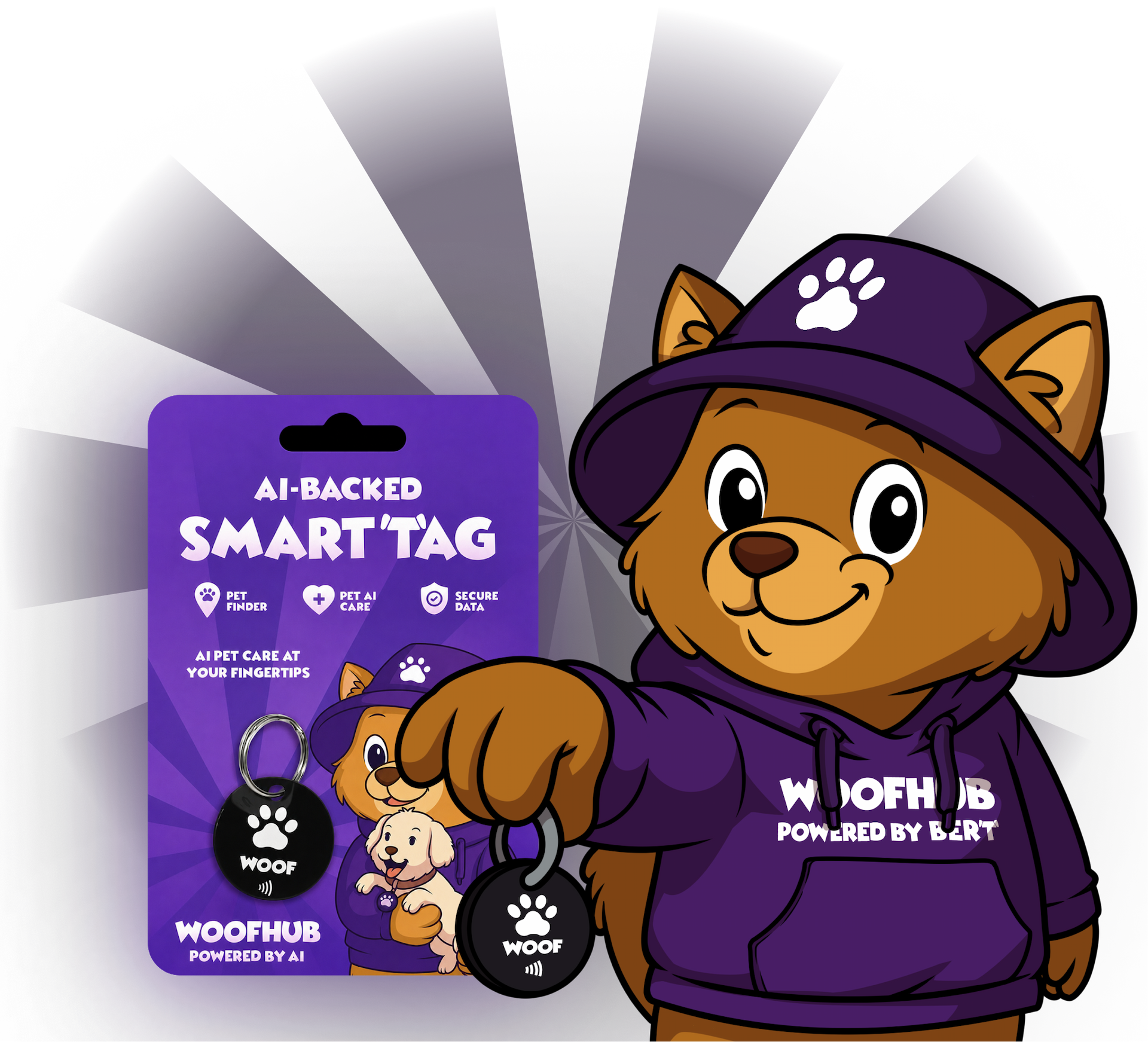
Be among the first to get access to WoofHub Smart Tags, an AI-backed way to connect your dog's physical identity with their digital profile, helping lost pets get home faster and giving owners more control.
How ordering will work
1. Log In
Sign in to your WoofHub account to get started.
2. Select tags
Choose one or more Smart tag's to add to your order.
3. Delivery details
Fill in your shipping info and confirm the order.
4. Order shipped
Your order is processed and shipped to your door.
How to use it once arrived
1. My scannables
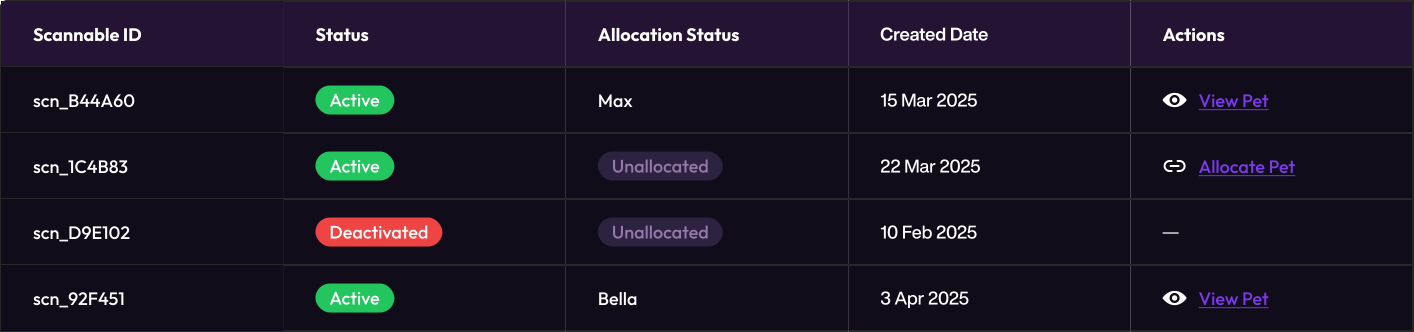
Your tags appear in the dashboard. View status, manage, and track all your Smart tags in one place.
2. Check status
View each tag's status — Active or Deactivated — and track allocations at a glance
3. Link to pet
Assign a tag to your dog's profile. One tap to synchronize — your pet's digital identity is now connected
4. Reassign anytime
Need to switch tags between pets? Unsync and reassign freely whenever you want
How you'll manage your scannables
Your 'My Scannables' dashboard will give you full control over all your Smart Tags. Order new ones, check status, and manage them in one place.
Order new scannables
Pick how many tag's you need, fill in delivery details, and your order is on its way.
Assign to your pet
Link any active tag to your pet's profile. One QR code, one pet, one connection.
View & manage
See all your tags at a glance — check status, track allocations, and take action when needed.

Here are 3 allocation rules
A tag can only be assigned to a pet when: it has been delivered to you, its status is Active (not deactivated), and it is currently Unallocated (not assigned to another pet).
Pet synchronization
Link a Smart Tag to your pet's profile with one click. The tag's QR code will instantly point to your pet's digital identity, once Smart Tags go live.
Synchronize smart tag button
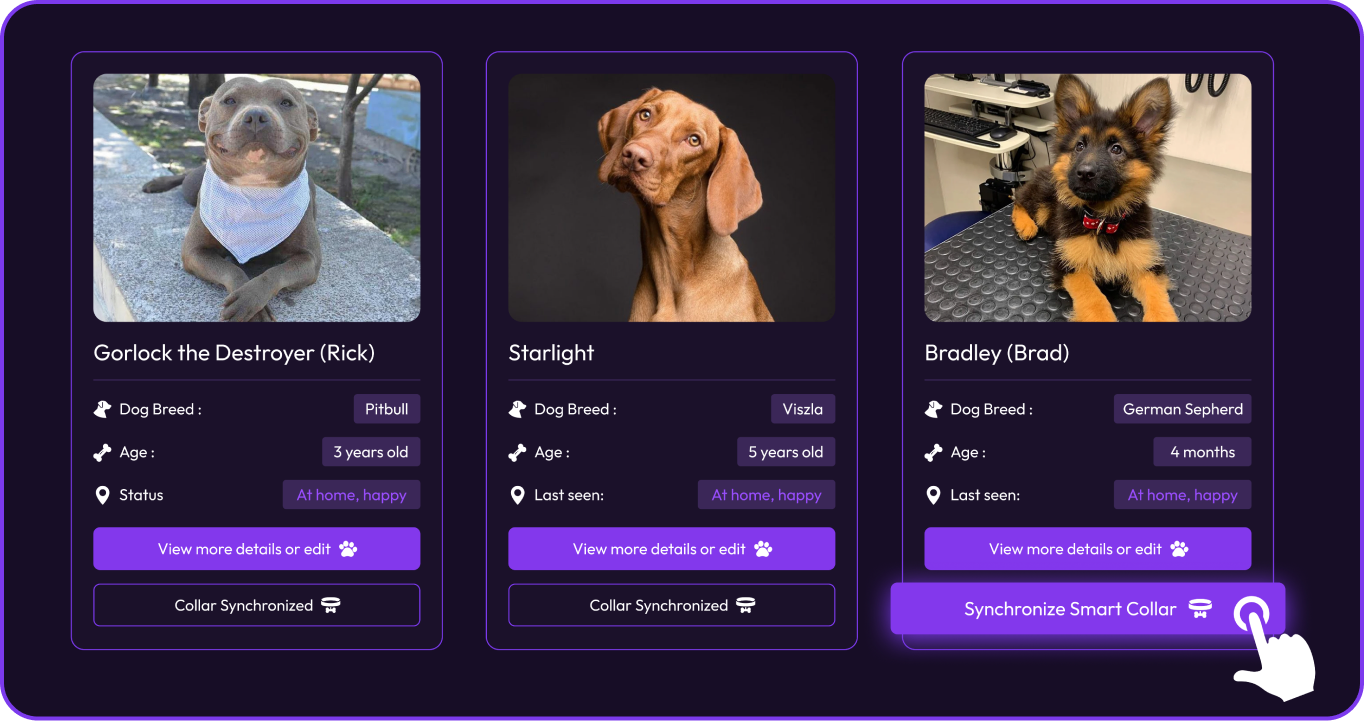
Each pet card on your profile contains a sync button with two visual states:
No tag assigned → "Synchronize Smart Tag"
Tag linked →"Tag Synchronized ✓"
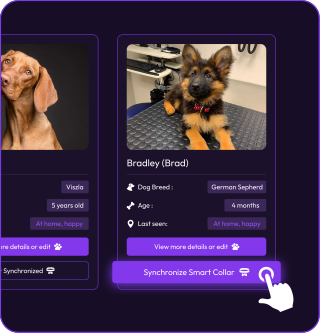
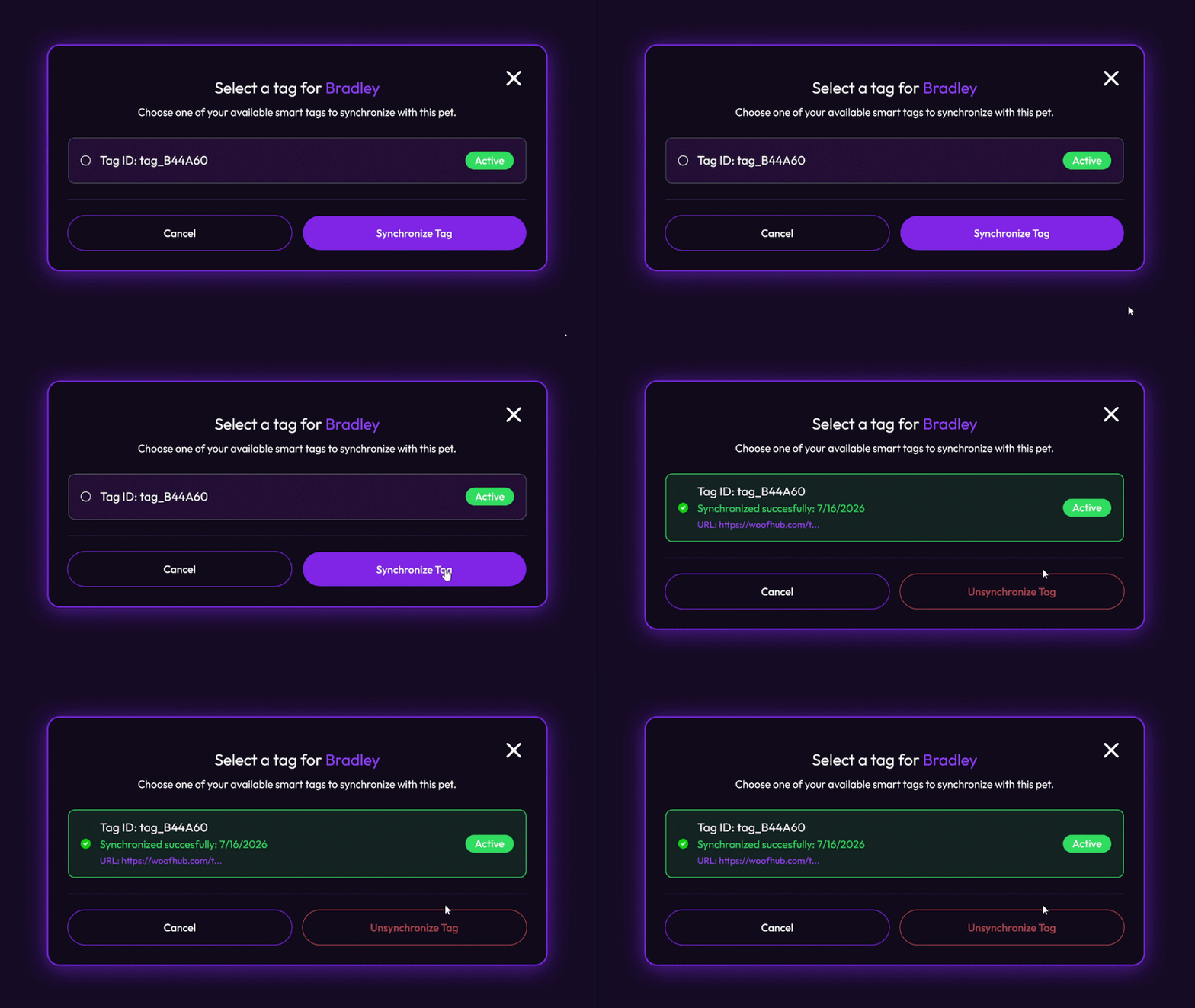
When you tap "Synchronize Smart Tag", a modal opens:
Select an available tag from your list
Confirm the assignment
System updates the Scannable QR URL to your pet's profile
Unsync anytime via "Unsynchronize Tag" option
Deactivated tags display a warning icon
Anyone scans. Instantly finds your pet.
When someone finds your dog and scans the QR code on the tag, they're instantly connected to your pet's profile — no app needed.
1. Scan the tag QR Code
Use any smartphone camera to scan the QR code on the tag.
2. Profile opens instantly
The pet's profile opens right away in the browser — no app needed.
3. View pet details
See the pet's name, photo, and other helpful information instantly.
4. Quick actions
Call the owner, send a message, or report the pet as found.
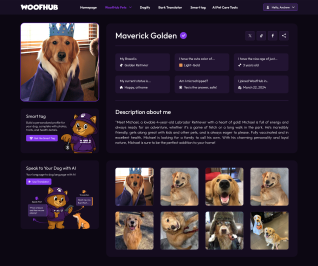
What the person sees after scanning the tag
Why go smart
Instant identification
Any smartphone can scan the QR code — no app download required.
Digital-physical link
Your dog's digital profile linked to a real, physical tag they wear every day.
Easy dashboard
Order, manage, and track all your tags from one simple dashboard.
Reassign anytime
Move tags between your pets whenever you need — no restrictions.
Lost pet recovery
Anyone who finds your dog can instantly access your contact info through the public profile.
Configurable contact
Control what information is visible on your pet's public profile — your data, your rules.
Fast management
Deactivate a tag instantly if lost or stolen — full status control from your dashboard.

Powered by BERT
Built on WoofHub's AI platform — smart features that grow with your pet's profile.